Keep your own registry of AI agent skills with one CLI
hikma is a small open-source CLI. Import a skill with a review, install it by name into Claude, Codex, Copilot or OpenCode, and restore it on a new machine.

Hej friends! This is the "show me the commands" post. (The personal one, about why I built this, is separate. If you skipped the story, no hard feelings.)
TL;DR
You found a skill for your AI agent (Claude Code, Codex, GitHub Copilot, OpenCode). Do you copy it into your project and hope? hikma is a small open-source CLI that gives you a better move: import it into a GitHub repo you own, after a review of what is in it. From there you install it by name into any project, and restore it with one command on a new machine.
Think Minecraft's chest, but for AI skills.
What you need
git- The GitHub CLI,
gh, signed in. Needed to write to your registry (import,push), and as a fallback for private repos. Reading a public repo needs onlygit. - An agent: Claude Code, Codex, GitHub Copilot or OpenCode (or your own layout)
1. Set up in three commands
brew install HasanKhatib/tap/hikma     # macOS and Linux
hikma doctor                           # checks git, gh and your settings
hikma config set registry you/skills   # your chest: any GitHub repo you own
Without Homebrew, or on Windows (run it in Git Bash):
curl -fsSL https://raw.githubusercontent.com/HasanKhatib/hikma-ai/main/scripts/install.sh | bash
Yes, that is a curl | bash. Read it first, it is a plain shell script you can open in the repo. It checks the download against checksums.txt, and if gh is signed in it also verifies the release's build attestation.
Your registry is just a GitHub repo with skills in a standard layout (skills/<name>/SKILL.md). An empty one is fine, you can publish into it:
gh repo create you/skills --public # or --private
For everyone on a project, add --project to config set and commit the result.
2. Import: the part that matters
hikma skill import owner/repo some-skill
It also takes a link copied from the browser, or an exact path:
hikma skill import https://github.com/owner/repo/tree/main/skills/some-skill
hikma skill import owner/repo/skills/some-skill
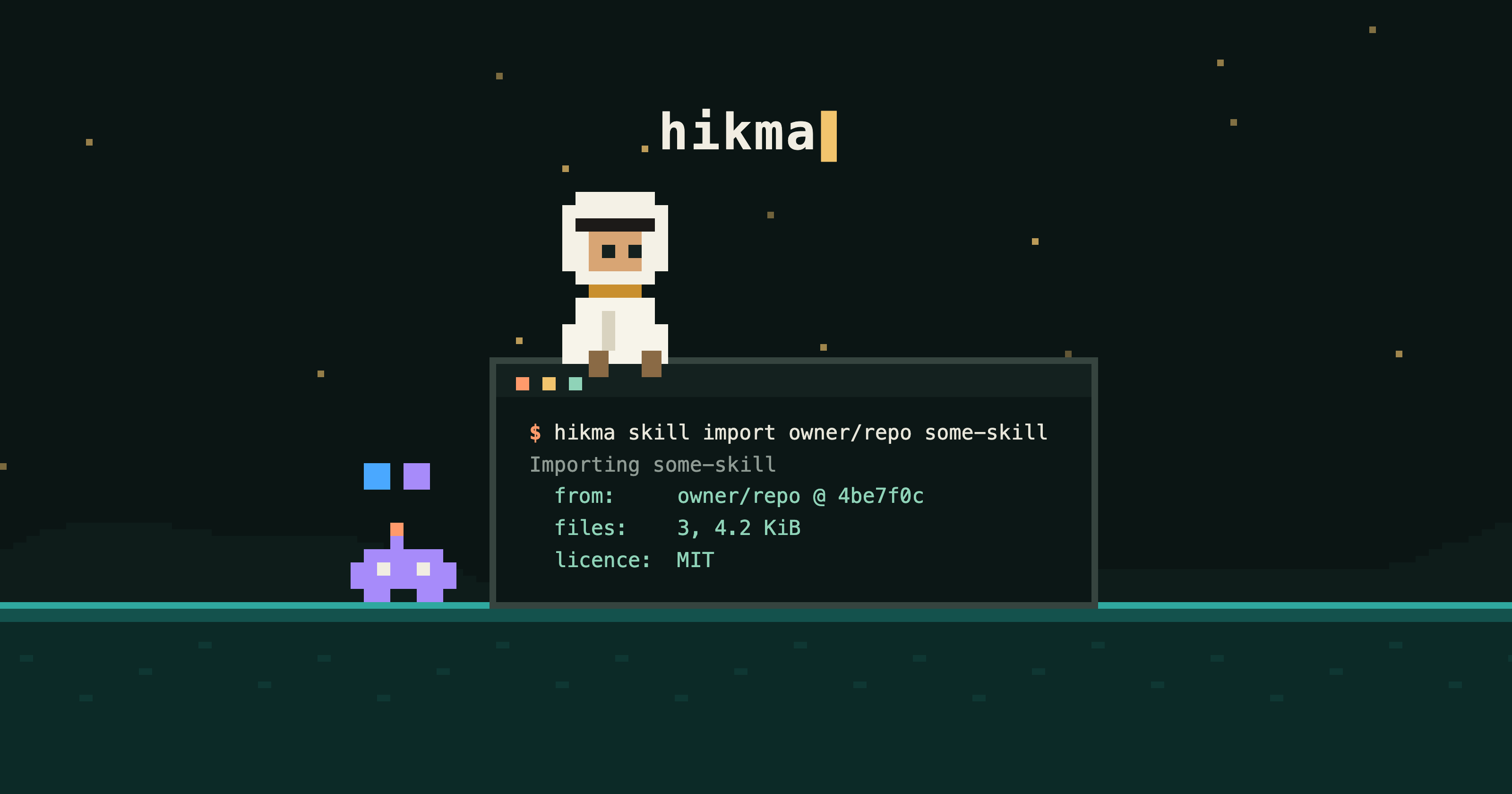
Skills run with your agent's permissions, so importing one is a trust decision. Hikma reads the skill, checks it with the same rules as hikma registry validate, and shows you a review. Nothing is written until you confirm, and all the checks finish before the first call to GitHub, so a skill that fails them never touches your registry.
Here is a real run (shortened) against a public repo. --dry-run is the way to look first: it writes nothing, and it works even before you have a registry.
hikma skill import anthropics/skills skill-creator --dry-run
Importing skill-creator
  from:     anthropics/skills @ dbd4588 (skills/skill-creator)
  read as:  git objects at dbd4588
  files:    18, 219.7 KiB
    LICENSE.txt  11.1 KiB
    SKILL.md  32.4 KiB
    scripts/aggregate_benchmark.py  14.0 KiB  (executable)
    ...
  licence:  a LICENSE.txt file is in the skill folder
  Read these before you continue. Skills run with your agent's permissions:
  scripts and executables: scripts/aggregate_benchmark.py, ...
  Read SKILL.md before you import it; this review points at things to read, it does not scan for harm.
The review flags scripts and executables, binary files, links out of the skill folder, lines that pipe a download into a shell, and the licence. Notice the licence line: hikma tells you where the licence is, it does not decide for you whether you may copy and share the skill. That is your call, so read it. The review is a pointer, not a scanner. The goal is that you actually look.
What happens when you say yes
Hikma asks about the target registry, then publishes the way hikma skill push does:
| Situation | What import does |
|---|---|
| You can write, and no rule requires pull requests | Commits to the default branch, with no review |
| A rule requires pull requests | Opens a pull request on its own and says why |
| You cannot write to the registry | Opens a pull request from your fork |
You pass --pr |
Always opens a pull request |
Nothing is force-pushed. The confirmation line says which of these will happen. If your registry is shared and changes should be reviewed, use --pr.
What is copied, and what is not
- Files are copied byte for byte, read from git objects at the commit, so line-ending conversion,
.gitattributesor Git LFS cannot change them. - Two things differ from upstream, and both are listed in the review:
metadata.github-*is removed fromSKILL.md(otherwisegh skill updatecould fetch the upstream skill and skip your review), and--asrewrites thename:line. - Where it came from is recorded in
skills/<name>/.hikma-origin.json: source, commit, file hashes, licence text, and each change hikma made. - An import takes at most 100 files and 5 MiB. Symlinks and submodules are skipped, and a name that already exists is never overwritten without
--force. Use--asto import it beside the old one.
In scripts and CI
Nothing prompts without a terminal. Without --yes the command prints the plan and exits non-zero.
hikma skill import owner/repo some-skill --dry-run --json   # what would happen
hikma skill import owner/repo some-skill --yes --pr         # publish through review
With write access, --yes and no --pr, an import commits third-party content straight to the default branch. For a script, pass --pr or have the registry require pull requests. The review is printed first either way, so your job log shows what was brought in.
3. Take it out
In any project, by name:
hikma skill list                       # what is in your registry
hikma skill install some-skill
The skill lands in your agent's folder and is recorded in .hikma/lock.json with its source, commit and file hashes.
| Agent | Project skills folder |
|---|---|
| Claude Code | .claude/skills |
| Codex | .agents/skills |
| GitHub Copilot | .agents/skills |
| OpenCode | .agents/skills |
You do not need a registry to try install. Any public repo works, and you can pin it:
hikma skill install anthropics/skills skill-creator
hikma skill install owner/repo my-skill --ref v1.0     # tag, branch or commit
For a team repository, hikma init --agent claude,codex --registry you/skills --skill some-skill sets up AGENTS.md, saves the setup in .hikma/config.json and installs the skill for each agent. Commit .hikma/ so teammates share it.
4. New machine, fresh clone
hikma sync
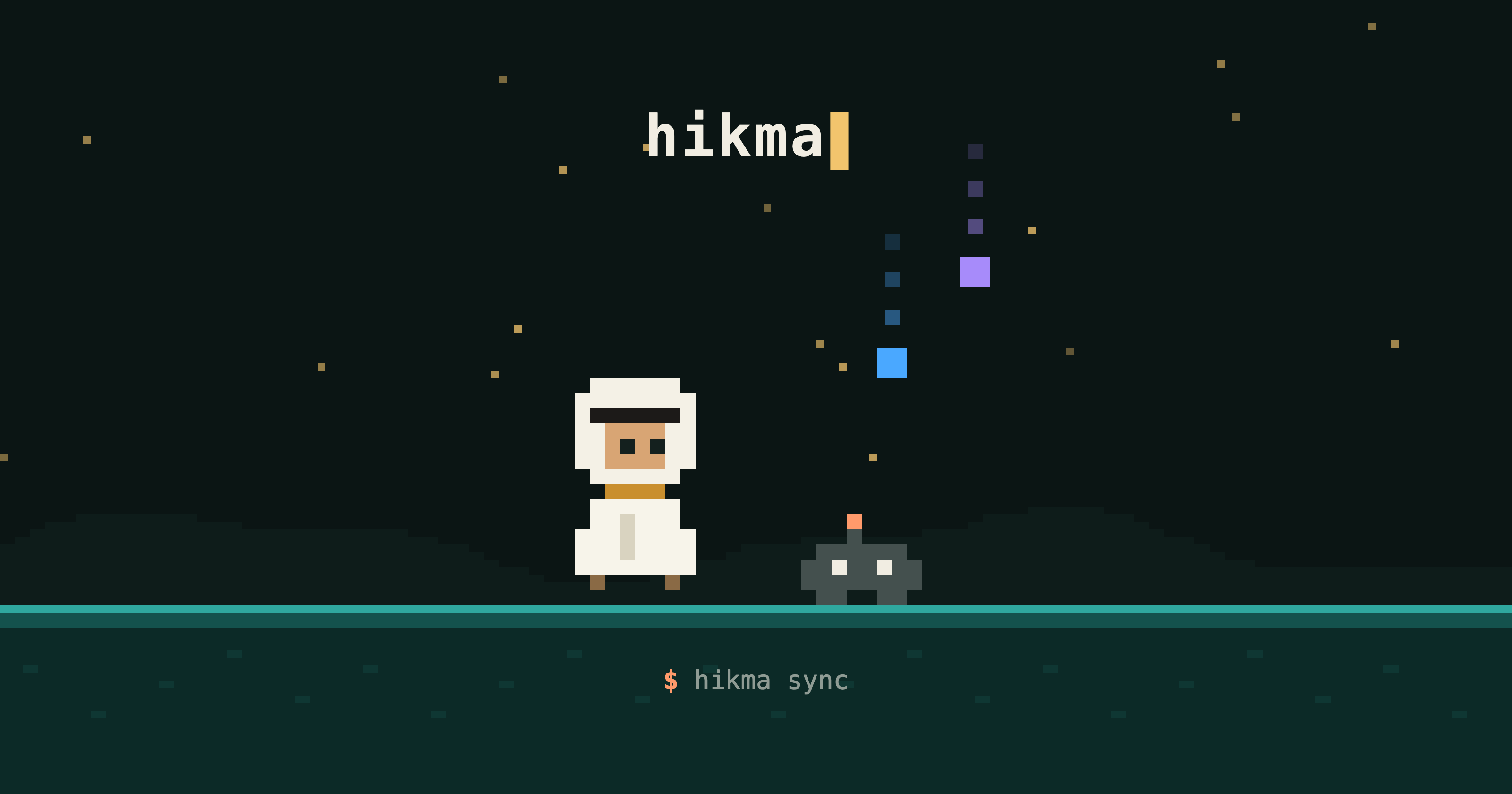
$ hikma sync
Skills recorded in .hikma/lock.json: 2
  restore   .claude/skills/deploy-helper  (owner/repo @ 4be7f0c)
  ok        .agents/skills/deploy-helper  (owner/repo @ 4be7f0c)
? Fetch 1 skill(s) from 1 source(s) listed above? (y/N) y
...
Done: 1 restored, 1 up to date, 0 skipped, 0 failed.
sync works like npm ci. It fetches each skill from its recorded source at its recorded commit, not the latest. It verifies the files against the lockfile hashes and refuses content that does not match. It leaves unchanged skills alone, and skips skills you edited locally and exits non-zero so you notice (--force overwrites them).
In CI, hikma sync --frozen --yes fails, changing nothing, if it cannot reproduce the lockfile exactly. Drift exits with code 3.
To move forward on purpose, use hikma skill update. It stops on local edits.
5. Publish a skill of your own
hikma skill create my-skill --description "What it helps with"
hikma skill push my-skill
You always see the target and confirm it first, and the same publishing rules as import apply: --pr forces the pull request flow.
FAQ
Is there a hosted registry or marketplace? No. Registries are plain GitHub repos that you choose.
Does it work outside GitHub? Not yet. Sources are github.com repos and local folders, and the registry you publish to must be a GitHub owner/repo.
Does it collect any data? No telemetry.
Windows? Yes, with the install script in Git Bash. Make sure the install directory is on your PATH.
Is it just a wrapper around gh skill? No. Hikma is the layer for your own registry: a review before import, a gated push, a lockfile, and sync. For searching and previewing skills in the wild, gh skill is the right tool.
Why a pixel-art website? I wanted to make a lava level. No further questions.
Try it, and tell me what is missing
brew install HasanKhatib/tap/hikma
hikma skill import anthropics/skills skill-creator --dry-run
It is open source (MIT) and still early. If something is missing or confusing, open an issue or tell me.
Cheers ☕️
About the author
Father of two. DevOps Engineer. Interested in Cloud Development, Scalability, Java, CICD, and Seeking/Sharing Knowledge
Comments
Join the discussionNo comments yet. Be the first to comment.


